DNS protection

DNS protection

DNS protection, made simple

Stop threats before they reach your network. We choose the filtering platform, configure it around the way your business actually works, and keep it that way.

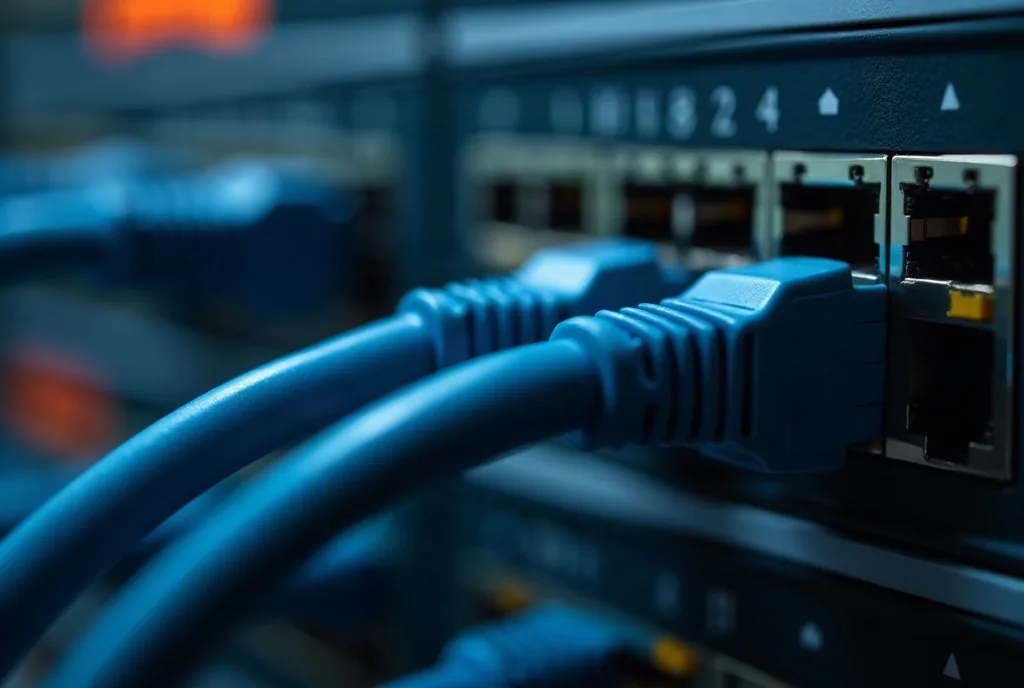
Ethernet cables plugged into a network switch
overview

overview

Stop the click before it connects

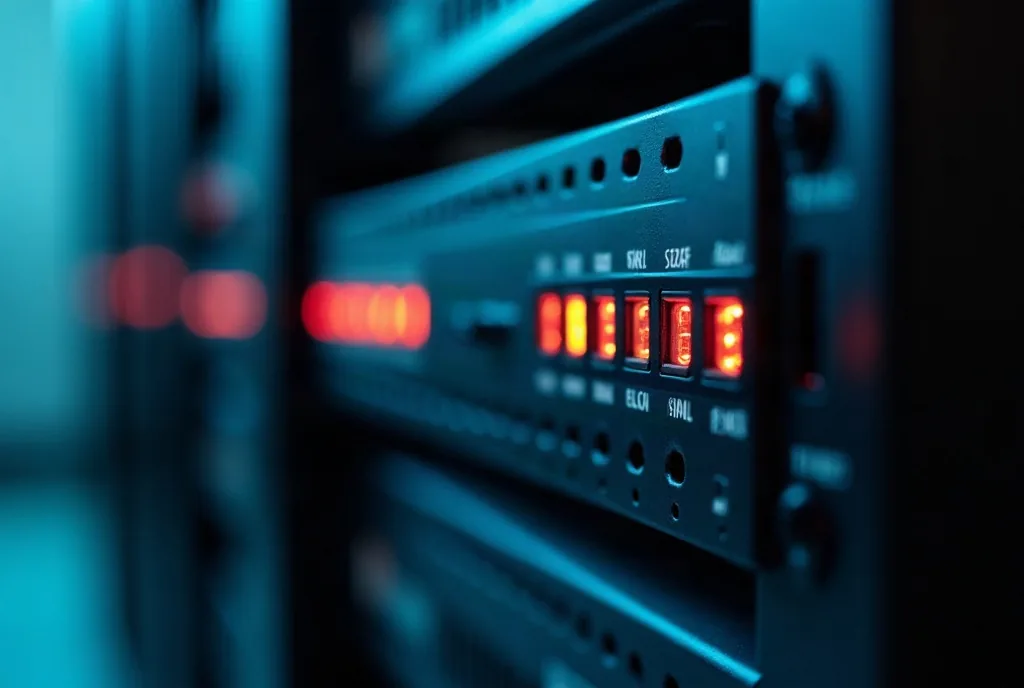
Rack mounted security appliance with status lights

Every time anyone opens a link, the first thing that happens is a question: what address does this name point to? DNS filtering answers that question, and it can refuse. The connection never opens, so the phishing page never loads and the malware never reaches whatever it was calling home to.

It is the cheapest control you can add, because it sits on a step that happens anyway, and it is one of the few that follows the laptop out of the building.

Before
The browser ever connects. The name is looked up first, so a bad destination can be refused before a single byte of the page arrives.
Everywhere
In the office, at home, on the hotel wifi. It follows the laptop instead of living in the firewall the laptop just left behind.
16%
Of breaches start by convincing a person, and the convincing usually ends with a link. This is the layer that catches the click.
What it catches, and what it honestly does not
Catches known malicious and newly registered domains, phishing pages, malware calling home, and whole categories you choose to close Does not catch a page hosted on a domain nobody has flagged yet, or an attacker already inside using your own tools. That is why it is a layer and not a product you buy instead of the others

Breach figures from the Verizon 2026 Data Breach Investigations Report. We are not tied to one filtering vendor: we deploy whichever platform fits your size and your budget.

How we set it up

On the device, not only on the router. Filtering that lives in the office firewall stops working the moment the laptop goes home. We put an agent on the machine so the policy travels with it, and the coffee shop wifi is covered like the office is.

Tuned to your business, not to a default. We block what is dangerous by default and then agree with you what else to close. There is a difference between a law firm and a marketing agency, and neither should be running somebody else’s template.

With the newly registered ones closed. A large share of phishing runs on domains created days earlier, precisely because nothing has flagged them yet. Blocking new domains by age catches attacks that no blocklist knows about.

What changes

Somebody still clicks, because somebody always clicks, and nothing happens. You also get a quiet side effect that owners tend to like: a monthly view of what was blocked and how often, which is the first honest picture most small companies get of what their own network is reaching for.

What DNS protection includes

We pick the filtering provider that fits you and manage it. These are the capabilities we hold ourselves to, whichever engine sits underneath.

  • Phishing, malware and botnet blocking
  • Real-time detection of new malicious domains
  • Content filtering by category
  • Encrypted DNS so queries cannot be read in transit
  • Roaming clients for Windows and macOS laptops
  • Network-wide deployment for the office
  • Directory integration, so policy follows the person
  • Per-user policies and per-user reporting
  • Query log export and an administrative audit trail
  • Scheduled reports on a cadence you choose

Check a link before you trust it

Our safe URL checker tells you what is behind a link without you having to open it. Free, no account. Try it with the last suspicious one somebody forwarded you.

Check a link, free

Let’s talk about what you need. No commitment, just a conversation with somebody who knows.

FAQs

FAQs

DNS filtering: what is worth knowing

From the blog

From the blog

Related articles

7 New and Tricky Types of Malware to Watch Out For

Malware is becoming increasingly complex and harder to detect. Discover seven new and sophisticated types of malware, from polymorphic attacks to fileless threats, and learn how to protect yourself in today’s evolving digital landscape.